

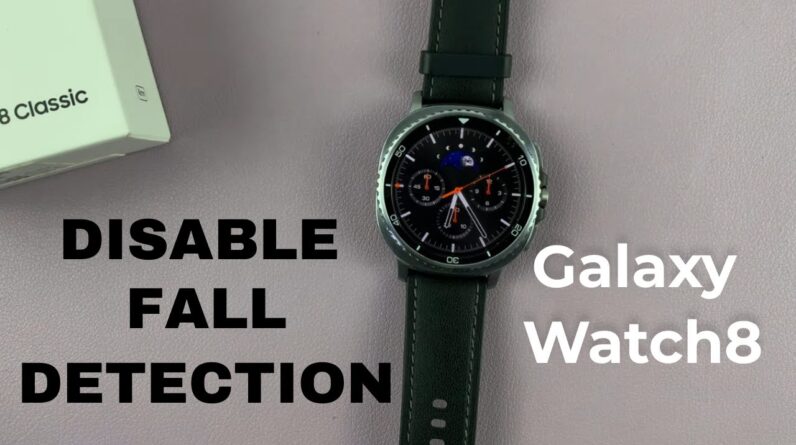
Here’s how to turn off hard fall detection on Samsung Galaxy Watch 8 / 8 Classic if you don’t want your watch to trigger emergency alerts unnecessarily. By learning how to disable hard fall detection on Samsung Galaxy Watch 8 / 8 Classic, you can prevent accidental alerts and have more control over your safety settings.
How To Turn Off Hard Fall Detection On Samsung Galaxy Watch 8 / 8 Classic;
-Swipe down and tap the Settings icon.
-Scroll down and select ‘Safety and Emergency’.
-Tap on ‘Hard Fall Detection’.
-Toggle the feature Off to disable it completely.
-If you prefer to keep it on but find it too sensitive, adjust the available settings instead of turning it off.
Samsung Galaxy Watch 8 Classic: https://amzn.to/41EoILT
#GalaxyWatch8 #GalaxyWatch8Classic #SamsungTips #FallDetection #SmartwatchGuide
—–My Gear for Youtube videos—–
Main Camera (iPhone 13 pro): https://amzn.to/3GZztve
Tripod: https://amzn.to/35acqRa
Cell Phone Tripod Adapter: https://amzn.to/3v3wFuI
Lights: https://amzn.to/3vkoGK7
As full disclosure, I use affiliate links on this channel and purchasing through these links earns me a small commission. The price you pay will be the same!
Website: https://www.webproeducation.org
Facebook: https://www.facebook.com/webproeducation.org
Twitter: https://twitter.com/WebPro_E
Instagram: https://www.instagram.com/webproeducation/