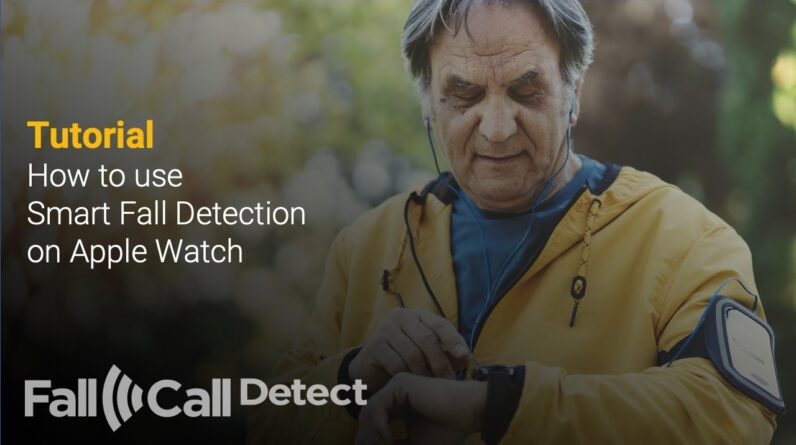


Learn how to easily enable or disable Fall Detection on your Apple Watch SE 3. Turn Fall Detection on or off to automatically detect hard falls and alert emergency services if needed, keeping you and your loved ones safe.
How To Turn ON Fall Detection On Apple Watch SE 3:
Step 1: Press the crown and select Settings.
Step 2: Tap on Settings.
Step 3: Select SOS.
Step 4: Tap on Fall Detection.
Step 5: Toggle ON Fall Detection.
How To Turn OFF Fall Detection On Apple Watch SE 3:
Step 1: Press the crown and select Settings.
Step 2: Tap on Settings.
Step 3: Select SOS.
Step 4: Tap on Fall Detection.
Step 5: Toggle OFF Fall Detection.
Apple Watch SE 3: https://amzn.to/45gvzNE
#applewatchse3 #applewatchse #applewatch
—–My Gear for YouTube videos—–
Main Camera (iPhone 13 pro): https://amzn.to/3GZztve
Tripod: https://amzn.to/35acqRa
Cell Phone Tripod Adapter: https://amzn.to/3v3wFuI
Lights: https://amzn.to/3vkoGK7
As full disclosure, I use affiliate links on this channel and purchasing through these links earns me a small commission. The price you pay will be the same!
Website: https://www.webproeducation.org
Facebook: https://www.facebook.com/webproeducation.org
Twitter: https://twitter.com/WebPro_E
Instagram: https://www.instagram.com/webproeducation/