

In this video, we will walk you through the step-by-step process of setting up your Theluckytag Medical Alert Bracelet. This smart medical ID uses a QR code to provide first responders with your vital health information in an emergency.
What you will learn in this video:
How to scan the QR code to activate your account.
Step 1: Setting up your admin password and selecting your product type.
Step 2: Editing the patient’s medical information (emergency contacts, allergies, etc.).
Step 3: Previewing and submitting your profile for emergency use.
Why use a QR Code Medical ID?
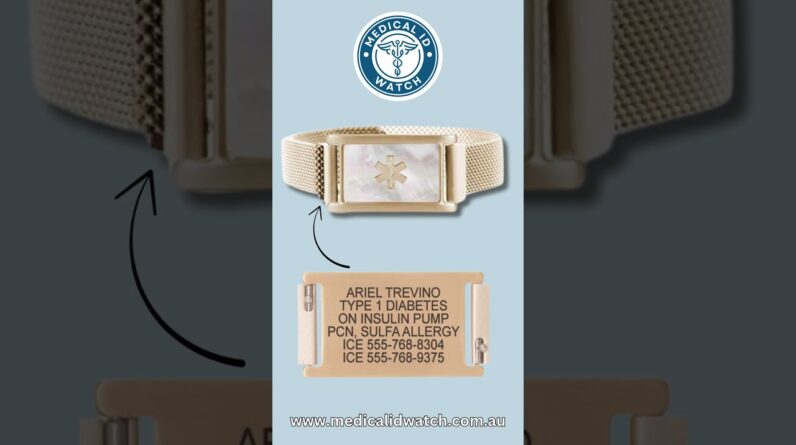
It ensures that your medical history, blood type, and life-saving medication details are accessible instantly by scanning the tag with any smartphone camera.
Key Features covered:
Instant QR Code Scanning
Secure Profile Management
Detailed Medical Information Records
Emergency Contact Integration
Make sure your information is always up to date to stay safe!