

Stay safe with HUAWEI WATCH FIT 5 Series!
Whether you’re pushing your limits on a solo cycling session, navigating a hiking trail, or simply at home where a slip in the bathroom could leave you out of reach of your phone—accidents can happen when we least expect them.
The HUAWEI WATCH FIT 5 Series is designed to be your silent guardian. With Fall Detection,1 you’re never truly alone. If a hard fall is detected and you’re unable to move, your watch takes charge, ensuring help is summoned immediately.
Here’s how to set up Fall Detection in just a few steps⚡
On your watch:
Settings → Emergency SOS → Turn on Fall Detection ✅
On your phone:
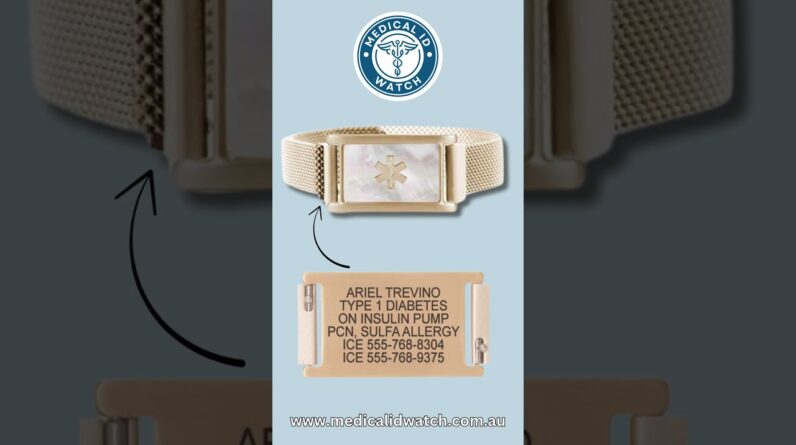
Huawei Health → Me → Profile → Complete your emergency info and add Emergency Contacts.
Tips: Press the Up button five times in quick succession to send an SOS request.
With these settings, your watch can alert your contacts if you fall, giving you peace of mind every day.
*Fall detection must be enabled manually. This feature is available only when your watch is paired with a phone running Android 9, or iOS 13 or later and installed with the Huawei Health app. To use emergency SOS, set up emergency contacts beforehand via Huawei Health.